Loveto FAQ
Everything you might want to know
What is Loveto?
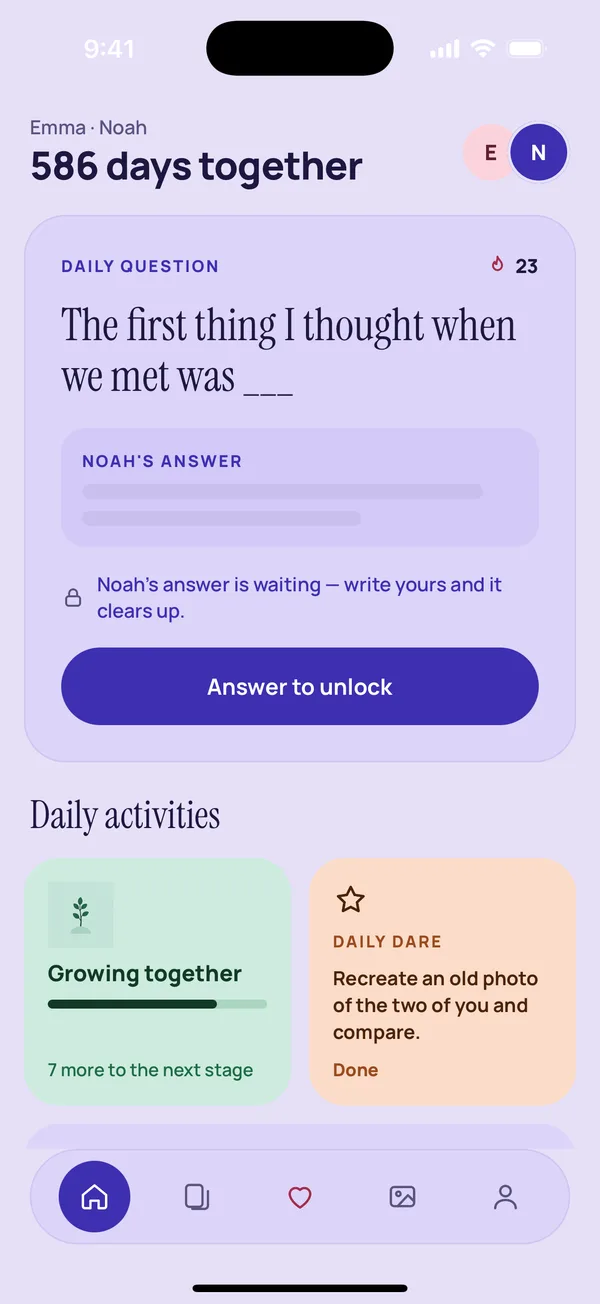
Loveto is a couples app for daily questions, games and small everyday moments. You and your partner each use your own phone and stay connected through one shared space.
Do we both need the app?
Yes. Each partner downloads Loveto, then one of you shares an invite code and the other enters it. You can start on your own and invite your partner later.
Who can see our answers?
Only the two of you. Your partner's answer to the daily question stays locked until you have written yours.
Is Loveto free?
Yes, the daily question is free. Loveto Premium unlocks every question pack, weekly dares, widgets and more, and one subscription covers both partners.
Is there a free trial?
New users can try Premium free for 2 days. No payment details are needed and nothing is charged when the trial ends.
Does Loveto work for long distance couples?
Yes. Answers sync between your phones wherever you are, and widgets and nudges help you feel close across time zones.
Does it show ads or sell my data?
No. Loveto has no ads, does not sell your data and does not use your answers to train AI.
Do I need to create an account with my email?
No. Loveto does not ask for your email address. You only enter a first name.
Which phones does it work on?
Loveto is coming to iPhone and Android.
What if we break up?
You can disconnect at any time. Your partner's access to shared content ends when you unpair.
How do I delete my account?
Open the Us tab and tap Delete account and data. Your account and everything linked to it are deleted from our servers and your phone.
How does pairing work?
One partner creates a six-character invite code and shares it. The other enters it in the app. You are then connected and your answers sync.
Can I use the app before my partner joins?
Yes. You can answer daily questions on your own. When your partner joins, answers start unlocking for both of you.
How do I cancel my subscription?
Subscriptions are managed by Apple or Google. Cancel in your device's account settings at least 24 hours before renewal.
How do I restore a purchase?
Open the Premium screen in the app and tap Restore.